
How to Change My Contributions
Your contributions may be changed through your online account by selecting Manage and then selecting Deferral/Investment Election
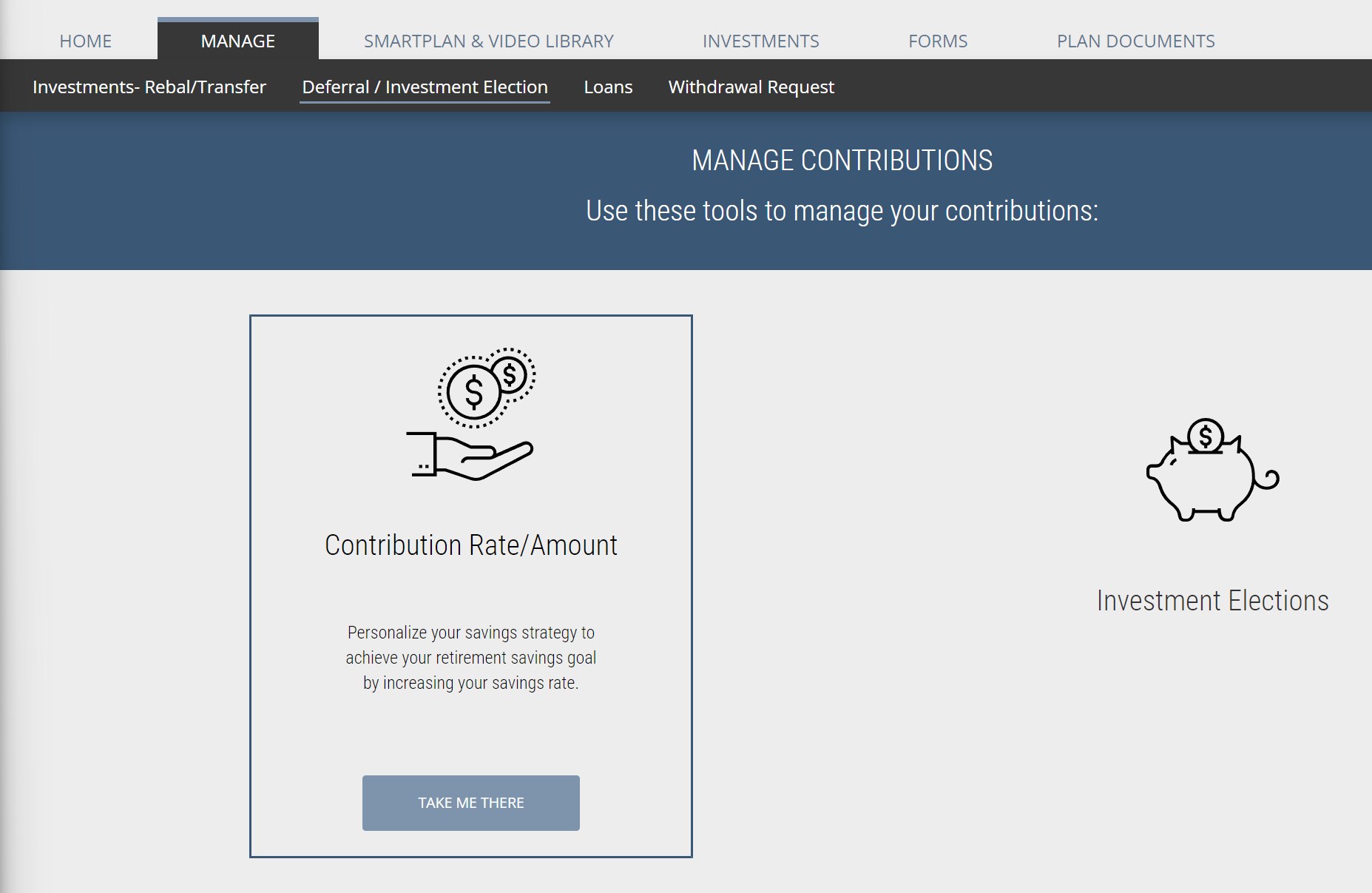
Select the TAKE ME THERE button at the bottom of the Contribution Rate/Amount box
Choose to make your contributions a percentage of pay or a flat dollar amount each pay period and click Change Deferral Rate/Amount
Enter the Pre-Tax and/or Roth percentage or dollar amount (if your plan allows Roth) you would like to have deducted from your paycheck each pay period
Pro Tip - If you're trying to reach the annual contribution limit, be sure to consider how many pay periods are remaining in the year and your payroll frequency
Click Submit Deferral Change
NestEggs will report your deduction change to your employer's payroll department for implementation
Note that changes usually take 1 - 2 payroll cycles before they become effective